 Hushtop
Calm you can measure
Every alert in Hushtop has a switch, a shape and a time limit. Here is what calm means in numbers.
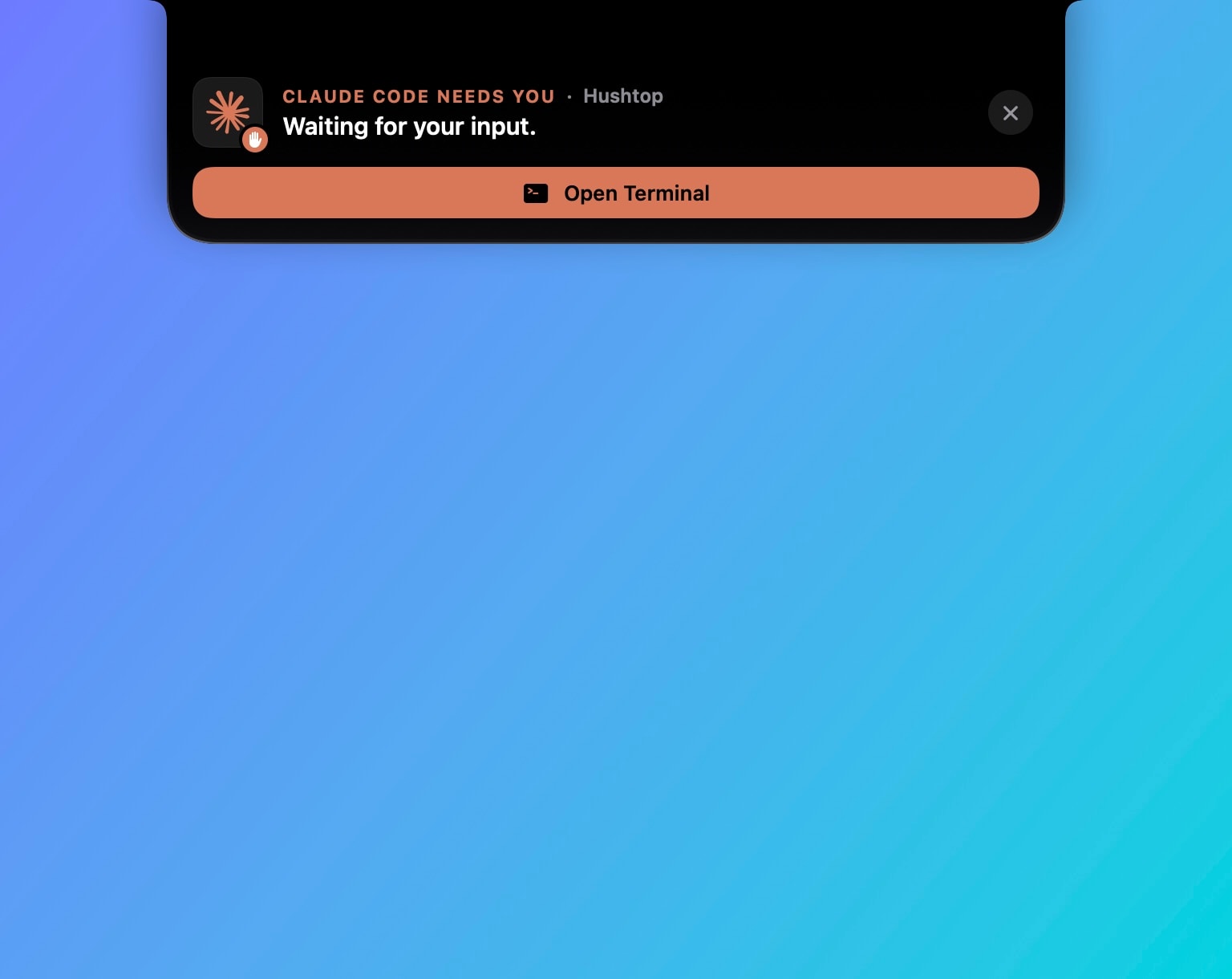
Every event, your way
Hushtop knows 60 kinds of event, from a meeting starting soon to a container that exited with an error. Each one has its own row in Settings, under the tool it belongs to. There you choose whether it shows as an ear or a card, whether the pet brings it, whether it stays in Notifications, whether it follows Quiet mode and whether it follows you to your iPhone. Many are off until you turn them on; a few, like a Mac running hot or a disk almost full, also post a macOS notification because you would want to know.
The ears wait their turn
Two things often want the notch at once. Hushtop settles it with a few rules, timed from research on how long people need to read:
- A confirmation of something you just did shows for 2 seconds when it is one or two words, 3 seconds when it is longer.
- Something you started yourself, like a timer or a cut in Finder, is protected for 5 seconds.
- An automatic event waits at most 5 seconds for its turn.
- Nothing is ever held back longer than 10 seconds.
Hovering the notch opens whatever the ears are showing, and you pick which events may take over that hover. Long-running states, like music, never do unless you say so.
Reads the room
Full-screen video sends the ears and the pet out of the way. On a call, Hushtop’s sounds stay silent. Break reminders never arrive during a meeting, a call, full screen or Quiet mode. Alerts about your Mac, like heat or memory pressure, fire once and then wait until things are back to normal instead of repeating.
Quiet mode is one key, ⌃⌥Q, or a link a Shortcuts automation can open when your Focus changes. Notifications stack the way macOS stacks them: one group per app and kind of alert, or one per app, or none at all.
Light when nothing is happening
On a release build, Hushtop idles at 0.4 to 0.5 percent of one CPU core with a footprint of about 50 MB. The System tab samples your processes only while you are looking at it. The Settings window rests when it is not in front. Nothing polls in the background for the pet, the agents or the ears; they wake on events.
Shortcuts you can find
Press ? in any panel and a card lists the shortcuts for that place. The global ones, all of which you can change in Settings › Keyboard shortcuts:
- ⌥Space opens the command palette, ⌃⌥N opens the notch, ⌃⌥Q turns Quiet mode on
- ⇧⌘V opens clipboard history, ⌃⇧O copies text off the screen, ⌃⇧C picks a color
- ⌃⌥M mutes every microphone, ⌃⌥O switches the audio output
- ⌃⌥L keeps the Mac awake with the lid closed, ⌃⌥A turns on Auto mode, ⌥⌘X lets it sleep
- ⌃⌥⌘L is Step away: it locks the Mac, keeps the work running and shows what happened when you are back