 Hushtop
Looking for a CrewTower alternative?
CrewTower puts coding agents in the notch, which is the problem Hushtop started with too. If you’re looking around, here’s what Hushtop does, so you can compare for yourself.
If you’re coming from CrewTower
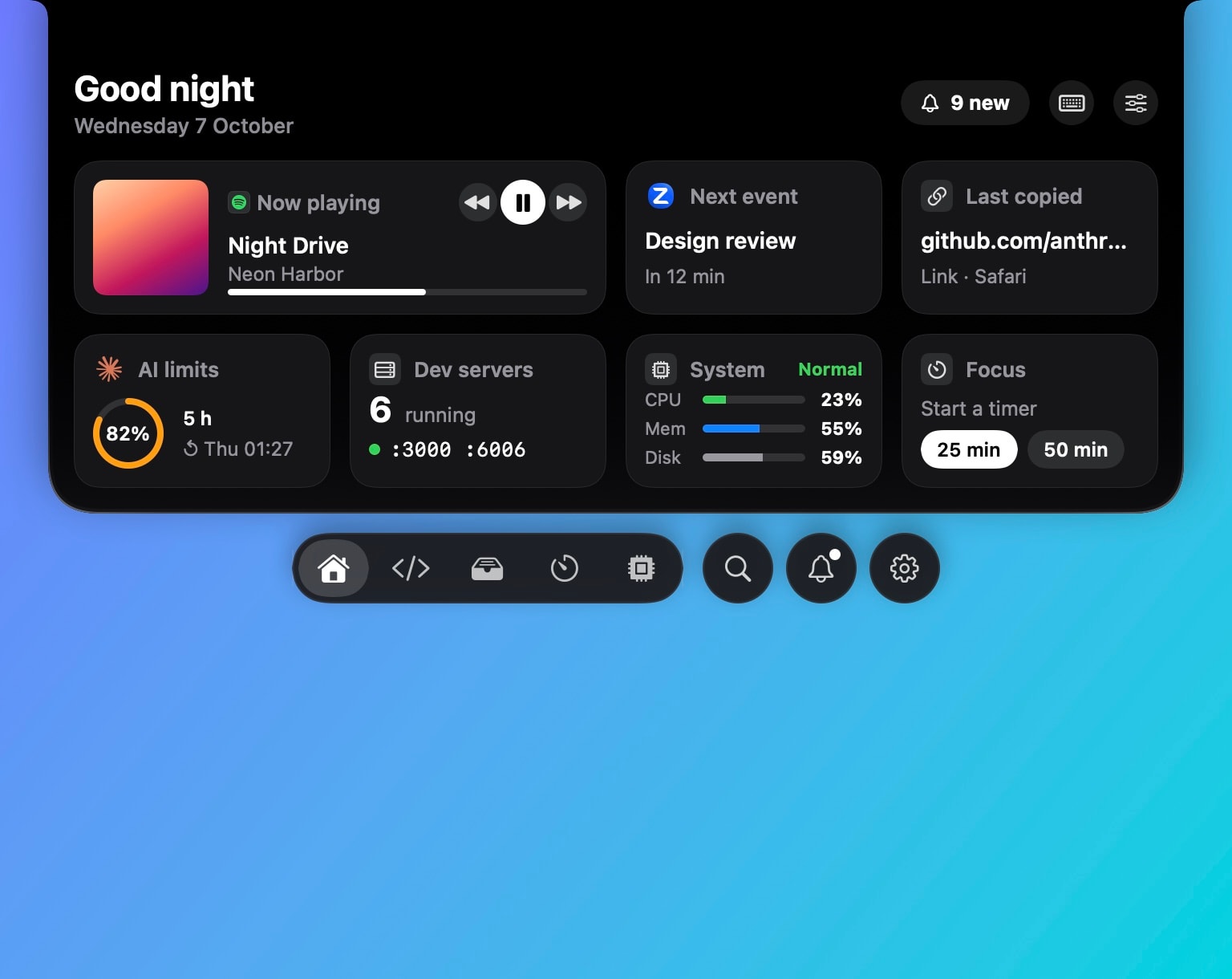
Hushtop shows every Claude Code and Codex session, the one that needs you first, and your limits, and you answer approvals in the notch. It also keeps the Mac awake while an agent is still running and lets it sleep when the job is done. The same notch then carries the rest of your day: music, meetings, AirPods, files and clipboard.
What Hushtop does
- Music with synced lyrics in the notch, for Spotify, Apple Music and a browser tab.
- Meetings with a countdown and Join, AirPods battery for each bud and the case, timers and charging.
- A drop shelf, cut and paste for files in Finder, and clipboard history.
- Your Claude Code and Codex agents: every session, the one that needs you first, and your limits.
- Vitals, network and keep awake for your Mac.
- A floating island on displays without a notch.
How it’s built
- Native, in Swift. No Electron and no web views.
- No telemetry and no tracking. To check your license it sends only your key and an anonymous Mac ID.
- One permission at setup, Accessibility. Everything else asks when you turn that feature on.
- Signed and notarized by Apple.
How you pay
Try it free for 7 days with no account and no card, then pay $9.99 once for your Mac, tax included, with every update for life. If the trial ends without a license, Hushtop keeps the notch, music and the volume HUD working. See pricing.
Compare for yourself
Every app here has its own strengths, and features change. Check each app’s own site for what it does today. The full Hushtop feature list shows everything that ships now.
Also compared: NotchNook, Alcove, The Boring Notch, NotchPop.