 Hushtop
Drop it on the notch
Drag a file to the top of the screen and it stays there until you need it. Send it by AirDrop from the same spot, or drag it into the next window.
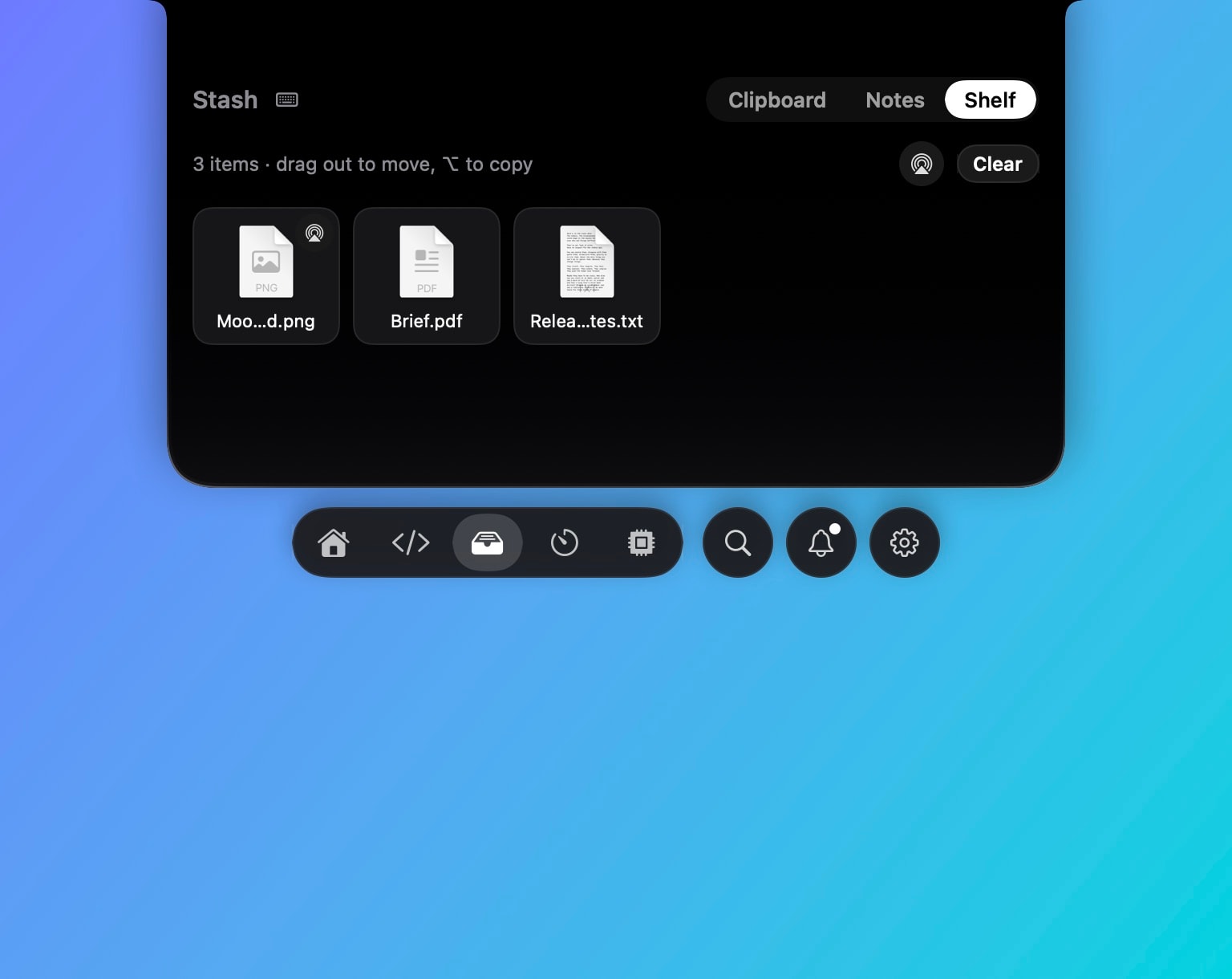
The shelf
- Drop a file, a folder or a few of them on the notch. They wait there, out of the way, while you find the window they belong in.
- Drag out into Mail, Slack, a browser upload, a Finder window. Hold ⌥ to copy instead of move.
- AirDrop one file or all of them, straight from the shelf, through the macOS AirDrop sheet.
Finder, with the keys you expected
⌘X and ⌘V move files between folders. F2 renames the selection. A screenshot on the clipboard pastes into a folder as an image file. These work in Finder itself, so there’s no second window to learn.
Compared with shelf apps
Dropover and Yoink are shelf apps built around this one idea, and both are good at it. Hushtop’s shelf lives in the notch next to your music, meetings, clipboard history and coding agents, so it makes sense if you’d use a few of those. If you only need a shelf, Yoink is the better buy.
Facts
- Native Swift, Apple silicon, macOS 15 or later. No account, no telemetry. Free for 7 days, then one payment for the whole app.
- Files on the shelf stay on your Mac. AirDrop is Apple’s; Hushtop only opens the sheet.
Try it free for 7 days, or see files and clipboard on the features page.
Questions
How does AirDrop from the shelf work?
Each file on the shelf has an AirDrop button, and there’s one for all of them. It opens the standard macOS AirDrop sheet, so nothing goes through Hushtop.
Does ⌘X really move files in Finder?
Yes. Select files, press ⌘X, go to the other folder and press ⌘V. Hushtop moves them and shows the progress in the notch. F2 renames, and a copied image pastes as a file.
Does it work on a Mac without a notch?
Yes. On a display without a notch, Hushtop shows a small floating island at the top of the screen instead. You can turn it off in Settings.
Is it a subscription?
No. Hushtop is $9.99 once for one Mac, tax included, after a free 7-day trial.