 Hushtop
Ten minutes to the meeting, and a Join button
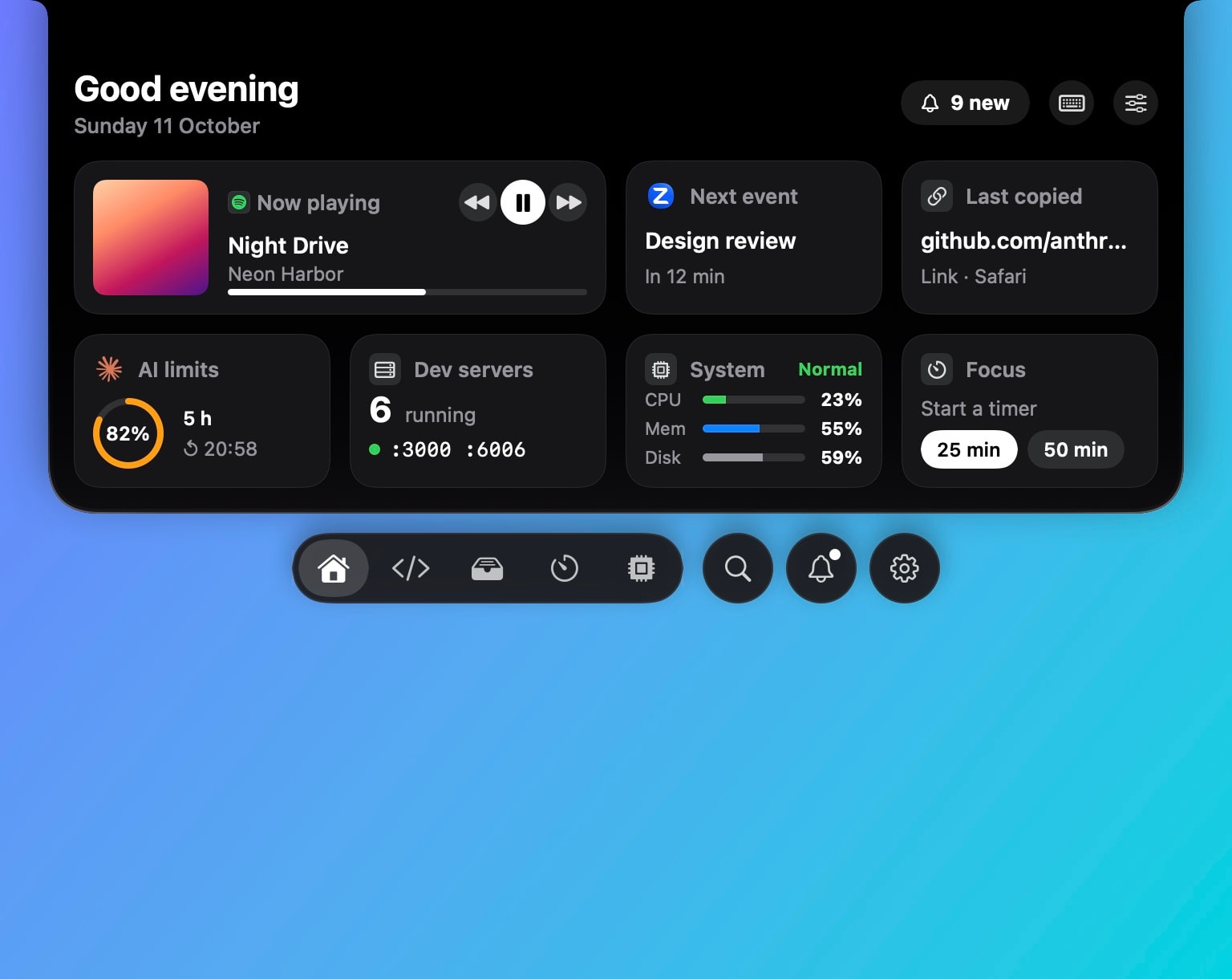
The next meeting shows in the notch before it starts, counts down, and joins with one click. Your calendar stays where it is; Hushtop only reads it.
Before the meeting
- Ten minutes ahead the next event shows in the notch with a countdown. The lead time is yours to change.
- Join opens the Zoom, Google Meet, Microsoft Teams or Webex link from the event. No hunting through the invite.
- The agenda for the day sits one hover away, with your reminders beside it; tick them off there.
During the meeting
Hushtop knows when you’re on a call. Sounds stay silent, the pet keeps still, and the break reminder waits. The camera mirror is there if you want to check yourself before you turn the camera on.
People in other time zones
The world clock shows the time where your team is and converts a meeting time for them, so “3 PM for you” stops being a sum.
Compared with meeting apps
Meeter, Dato and In Your Face each handle the next-meeting job well from the menu bar, and some do more with alerts. Hushtop’s calendar is one part of a notch app that also shows music, AirPods, a file shelf and your coding agents. If you only need meeting alerts, In Your Face is the better buy.
Facts
- Native Swift, Apple silicon, macOS 15 or later. No account, no telemetry. Free for 7 days, then one payment for the whole app.
- Calendar access is asked for once, only when you turn the module on. Events stay in Calendar; Hushtop keeps nothing.
Try it free for 7 days, or see your day on the features page.
Questions
Which meeting links does Join open?
Zoom, Google Meet, Microsoft Teams and Webex links found in the event. Anything else opens the event in Calendar.
Which calendars does it read?
Whatever your Mac’s Calendar app has: iCloud, Google, Exchange and the rest. Hushtop asks for calendar access the first time you turn the module on, and reads, never writes, your events.
Does it work on a Mac without a notch?
Yes. On a display without a notch, Hushtop shows a small floating island at the top of the screen instead. You can turn it off in Settings.
Is it a subscription?
No. Hushtop is $9.99 once for one Mac, tax included, after a free 7-day trial.