 Hushtop
Twenty-five minutes, in the notch
Start a timer and it counts down beside the camera, where you’ll see it without looking for it. Turn on Quiet mode and the rest of the notch waits until you’re done.
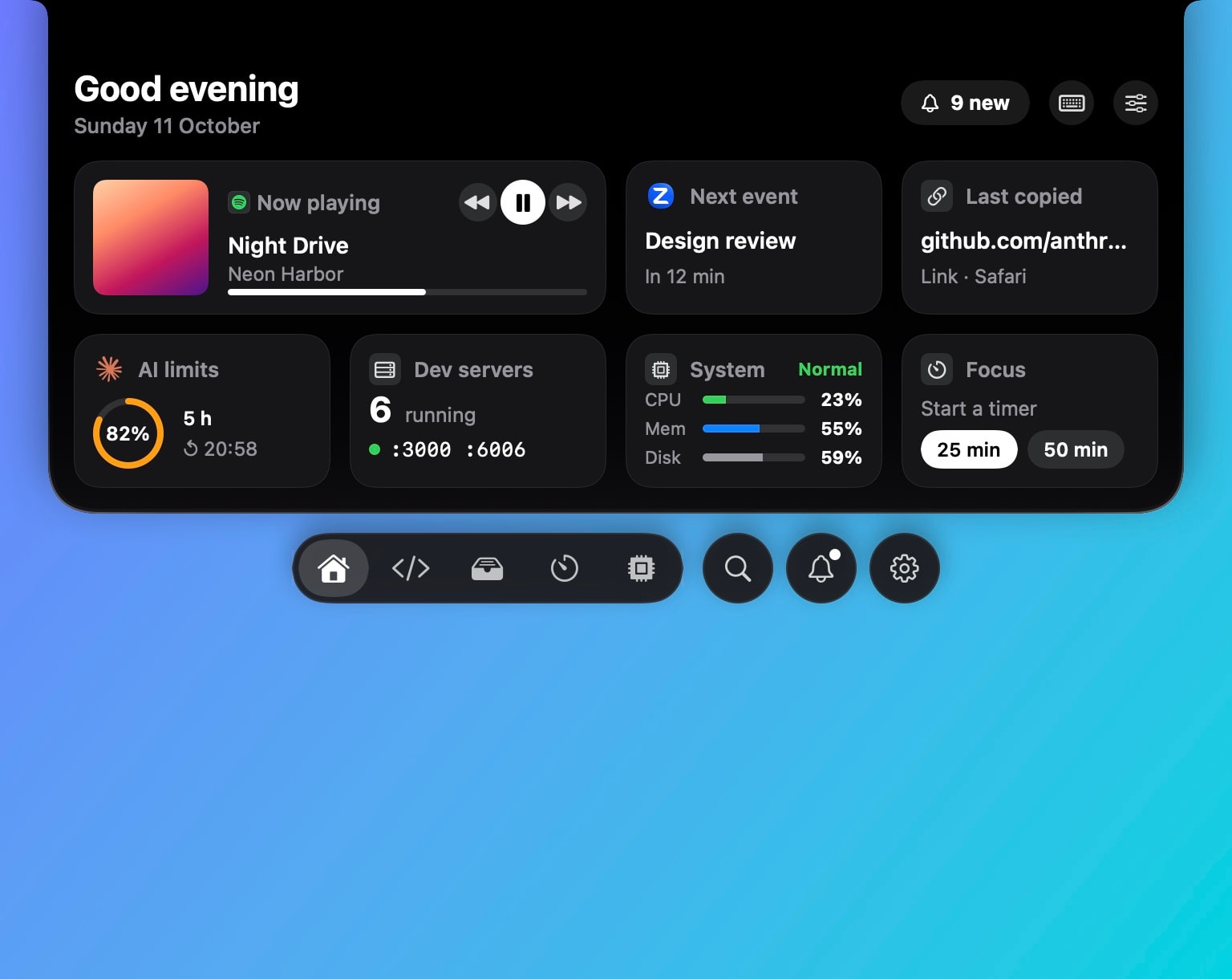
The timer
- Start from the notch, the Home widget, the command palette, Siri or a Shortcut. 25 minutes by default, or the length you used last time.
- See it as a small ear beside the camera while you work. The pet keeps you company.
- Time’s up: a sound if you want one, and five more minutes one click away.
Quiet mode
⌃⌥Q, or a click on the notch’s menu, and Hushtop holds its sounds and moments: no song announcement, no copy toast, no pet antics. For an hour, until a time you set, or until you turn it off. Agents that need an answer still show, quietly, because that one is worth it.
Looking after you
After 50 minutes at the Mac, a quiet nudge to take a short break, never during a meeting or a call. A hydration reminder, if you turn it on. No scores, no streaks, nothing to protect.
Compared with focus apps
Session and Flow are built around the pomodoro method, with stats and blocking. Raycast has a focus mode too. Hushtop’s timer is plainer and lives next to your music, meetings and agents. If you want pomodoro stats, Session is the better buy.
Facts
- Native Swift, Apple silicon, macOS 15 or later. No account, no telemetry. Free for 7 days, then one payment for the whole app.
- The timer, Quiet mode and the break nudge all work without the network.
Try it free for 7 days, or see your day on the features page.
Questions
Is it a pomodoro timer?
It’s a countdown you start when you want to focus. 25 minutes is the default and the last length you used comes back; set any length. There are no forced breaks and no streaks.
What does Quiet mode do?
It holds the notch’s sounds and moments, for an hour, until a time you pick, or until you turn it off. ⌃⌥Q toggles it. Meetings and calls turn it on by themselves.
Does it work on a Mac without a notch?
Yes. On a display without a notch, Hushtop shows a small floating island at the top of the screen instead. You can turn it off in Settings.
Is it a subscription?
No. Hushtop is $9.99 once for one Mac, tax included, after a free 7-day trial.