 Hushtop
When Claude Code needs you, you’ll know
Claude Code stops and waits for a yes, and nothing tells you. Hushtop uses Claude Code’s own hooks to show the wait where you’re already looking, and to follow you to your phone when you’re not.
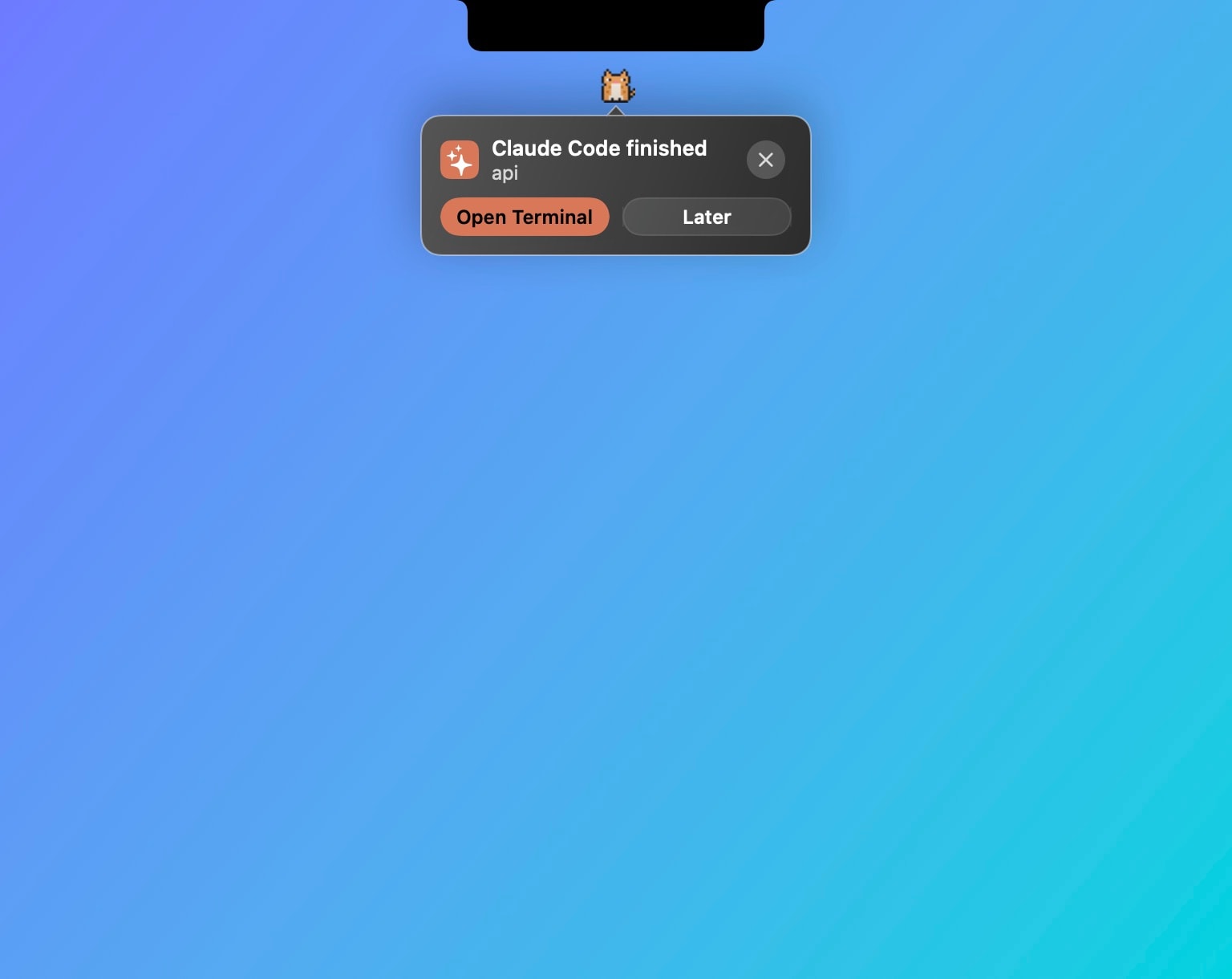
Four ways to find out
- An ear on the notch. The session that needs you moves to the top of the Dev panel and the closed notch says so.
- The pet looks up. If you have one, it stops what it was doing and turns to you, with the message beside it.
- A sound, if you want one, and never during a meeting, a call or Quiet mode.
- Your iPhone, when you’ve stepped away: an iCloud reminder or a message from your own Telegram bot.
Then answer it
One click brings that agent’s exact terminal to the front, tmux pane included. With Claude Code approvals on, you don’t even need to: Allow, Deny or pick the answer in the notch. Risky commands like rm, sudo or a force push need a long press. How approvals work, in detail.
The other notifications
A session finished. A limit at 75% and at 90% of the 5-hour or weekly window. A build or a test run that took longer than you set. Each one is a setting, on or off, with its own sound or none.
Compared with the terminal bell
Claude Code can ring the terminal bell, and macOS can show a notification from a hook you write yourself. Both work and both are free. Hushtop puts the request itself in the notch, answers it there, and follows you to your phone. If a bell is enough, keep the bell.
Facts
- Native Swift, Apple silicon, macOS 15 or later. No account, no telemetry. Free for 7 days, then one payment for the whole app.
- Hooks are written only with your consent and shown line by line. Requests stay in memory on your Mac and are never sent anywhere.
Try it free for 7 days, or read everything Hushtop does with Claude Code.
Questions
How does Hushtop know Claude Code is waiting?
Through Claude Code’s own hooks: Hushtop offers to add them, shows every line it would write, and you can remove them later. There is no screen reading and no polling of your terminal.
Can I answer from the notification?
Yes. With approvals on, the permission request, question or plan shows in the notch with Allow, Deny or the answer to pick. The terminal still asks too, and the first answer wins.
Does it notify me on my iPhone?
When you step away, yes: through an iCloud reminder or your own Telegram bot, both off until you set them up.
What does it send over the network?
Nothing about what you do. To check your license, Hushtop sends only your license key, an anonymous Mac ID and its version. Updates come only from hushtop.app. Features that need the internet, like lyrics or weather, stay off until you turn them on.